What a quote for solar installers looks like
Six of the lines the AI drafts from a one-sentence description, in the six-column format clients compare.
| Item | Description | Unit | Qty | Rate (PKR) | Amount (PKR) |
|---|---|---|---|---|---|
| 1 | Monocrystalline solar panel, 580 W, Tier 1, with manufacturer warranty | nos | 18 | 31,000 | 558,000 |
| 2 | 10 kW on-grid inverter with Wi-Fi monitoring, installed and commissioned | nos | 1 | 285,000 | 285,000 |
| 3 | Galvanised iron mounting structure, elevated, with fixings | kW | 10 | 16,000 | 160,000 |
| 4 | DC and AC cabling, 4 mm² and 6 mm², in UV-rated conduit, including MC4 connectors | lot | 1 | 48,000 | 48,000 |
| 5 | DC and AC protection: fuses, SPD, isolators and earthing kit | lot | 1 | 42,000 | 42,000 |
| 6 | Net-metering application, bidirectional meter coordination and documentation | lot | 1 | 35,000 | 35,000 |
| Total (before tax) | 1,128,000 | ||||
How it works for solar installers
Describe the job
Type the scope the way you would say it to a colleague: rooms, points, runs, what the client supplies. Pick the client; currency and tax come from your company settings.
AI drafts the BOQ lines, priced from your rate library
The draft comes back as line items with unit, quantity and rate, priced from the rates you have saved for solar installers. Edit any line, check the private cost price and margin, add lines by hand.
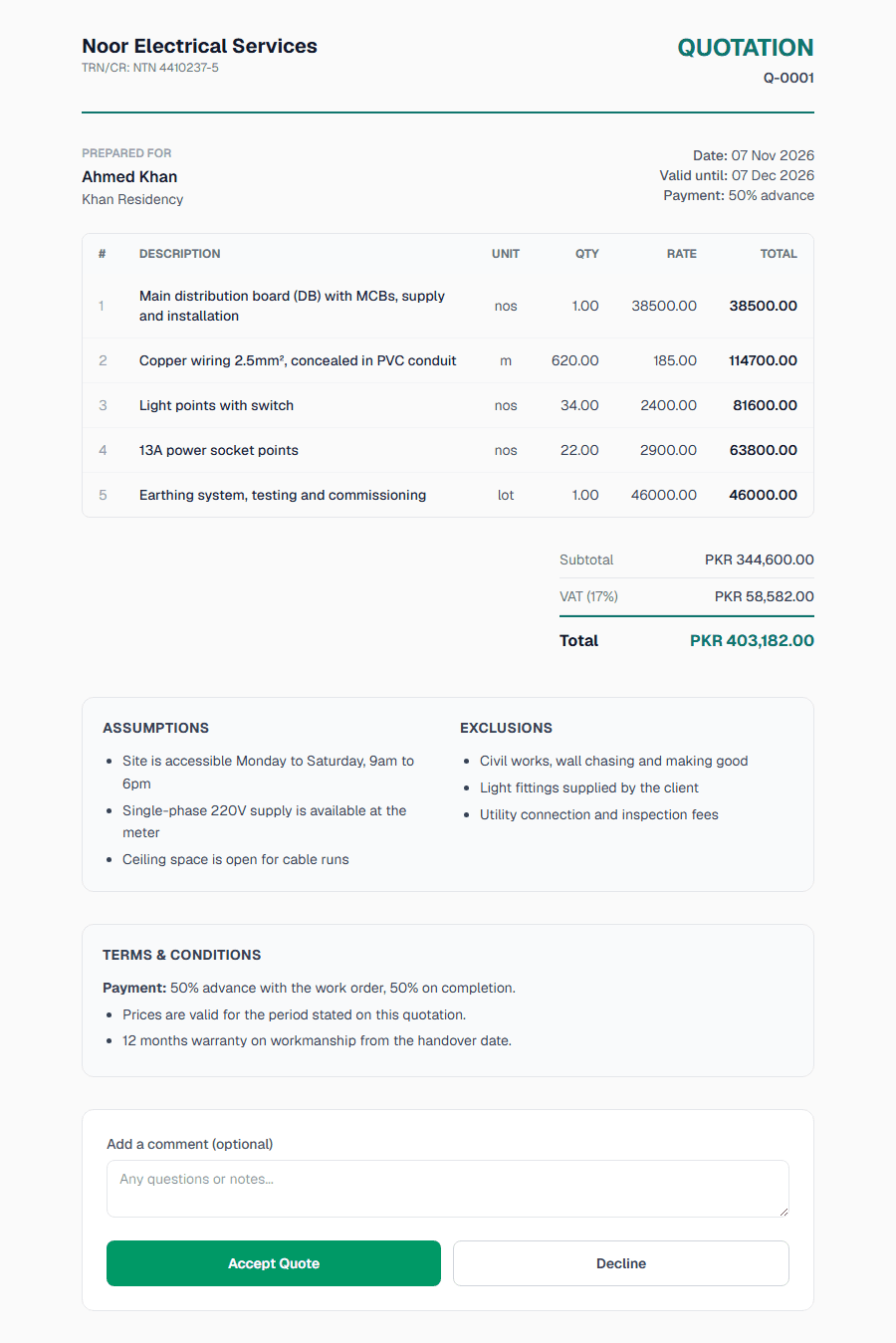
Add assumptions, exclusions, validity and a deposit line
Write down what you assumed about the site and what is not included, set the validity date and terms, and add an optional deposit line with your bank, JazzCash or Easypaisa details.
Send the link on WhatsApp or email
The client reads it on their phone and accepts by typing their name, or declines with a reason. You are emailed when they open it and again when they answer.
Free plan available. Pro is $9 a month or $90 a year.
Free
- 10 quotes a month
- 5 AI generations a month
- 20 clients
- PDF, WhatsApp, email and the client link
- Does not expire
Pro
- Unlimited quotes and clients
- 100 AI generations a month
- Your branding on the PDF, no EstimateQuote footer
- WhatsApp support from the founders
- $9 a month or $90 a year
EstimateQuote is solar quotation software for installers in Pakistan and the UAE. Describe the system, say a 10 kW on-grid job, and the AI drafts panels, inverter, structure, cabling, protection and net metering as separate lines priced from your own rates. Add validity and a deposit line, send the link on WhatsApp, and the client accepts on their phone.
What does a solar quotation need?
A solar quotation needs the system size in kW DC and AC, then one line per component: panels with wattage and make, the inverter with its rating, the mounting structure, DC and AC cabling, the protection and earthing, and the net-metering work with its fees stated. Each line has a unit, a quantity and a rate, so two "10 kW" quotes are no longer the same product on paper. Under the table come the subtotal, the tax (17% sales tax in Pakistan, 5% VAT in the UAE), the total, the warranty years for panels, inverter and workmanship, and a validity date.
The AI drafts that structure from a sentence. You check the panel count and the inverter size, change any rate, and add the assumptions: roof type, access, whether the net-metering fees are included or paid by the client at actual. Assumptions and exclusions appear under the total on the client page and in the PDF, next to your terms.
Can I price from my own rates?
Yes. The rate library remembers what you charge per panel, per kW of structure or per inverter model, and the AI prices from it first. When your panel supplier changes the price you change one rate and every later quote uses the new one. Each line also carries a private cost price, so you see the margin per line while the client sees only the rate, and a line under 15% margin shows a warning before you send.
Solar jobs repeat by size: 5 kW, 10 kW, 15 kW. On Pro you can save a finished 10 kW quote as a template and start the next one from your own lines, then adjust the panel count and the structure.
How do clients accept the quote?
You send a link. The Send on WhatsApp button opens WhatsApp with a short pre-filled message and the quote link; you can also email it from the app or download the branded PDF with your logo and brand colour. The client opens it on their phone, reads every line and the warranties, and accepts by typing their name, which gives you a dated record. If they decline they give a reason, so you know whether it was the price, the panel make or the timing.
You are emailed when the quote is opened and again when it is answered, which is the moment to call. The optional deposit line puts the advance and your bank, JazzCash or Easypaisa details on the same page the client just accepted.
Where do I start?
The free solar quotation format is the same layout in Excel with a ten-line 10 kW sample, and the free BOQ generator drafts the lines from one sentence with no account. When you want your own rates, the branded PDF and the client link, start on the free plan.
Can I quote a solar system per kW and per item at the same time?
Yes. Price the panels, inverter, structure, cabling, protection and net-metering work as their own lines, each with a unit, a quantity and a rate, and put the system size in the quote title. The client sees the total per kW and also what makes it up, which is what wins against a one-line per-kW offer.
How do I put a validity date and an advance on a solar quotation?
Every quote has a validity date and terms you set once for the company and can change per quote; two weeks is common when panel prices are moving. If you take an advance before ordering panels and inverter, add a deposit line with your bank, JazzCash or Easypaisa details and the client sees the amount and where to pay it.
Does it work for solar quotations in the UAE?
Yes. Set the company country to the UAE and quotes are in AED with 5% VAT; Pakistan gives PKR with 17% sales tax. The line items are the same; in the UAE you would normally add a line for the DEWA or SEWA connection and inspection. You can change the tax rate on any quote.
Related guides
BOQ Format Example: What a Bill of Quantities Looks Like
The standard BOQ format: item, description, unit, quantity, rate and amount. A filled-in construction example, the right units, and a free Excel template.
How to Calculate Profit Margin on a Quote (Formula, Examples, Calculator)
Profit margin = (price − cost) ÷ price × 100. Margin vs markup, the full cost stack including overhead, a worked electrical example, and a free calculator.
Quote Follow-Up Email: 7 Templates and When to Send Each
How to follow up on a quote: day 1 confirm, day 3 check in, day 7 add value, day 14 ask for a decision. Seven copy-paste email templates plus a WhatsApp version.
Other trades: quotation software by trade.